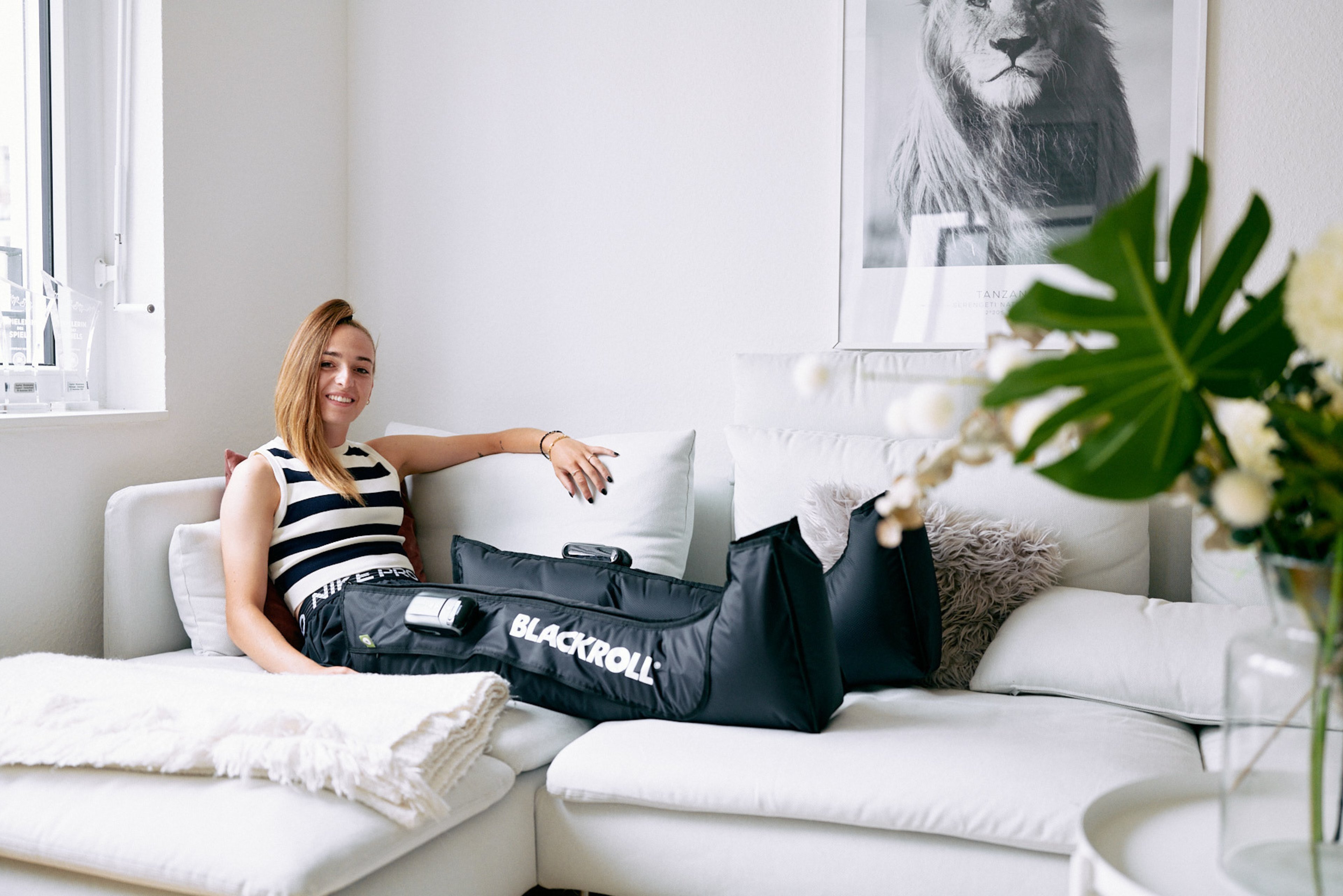
More Info About Your BOOTS
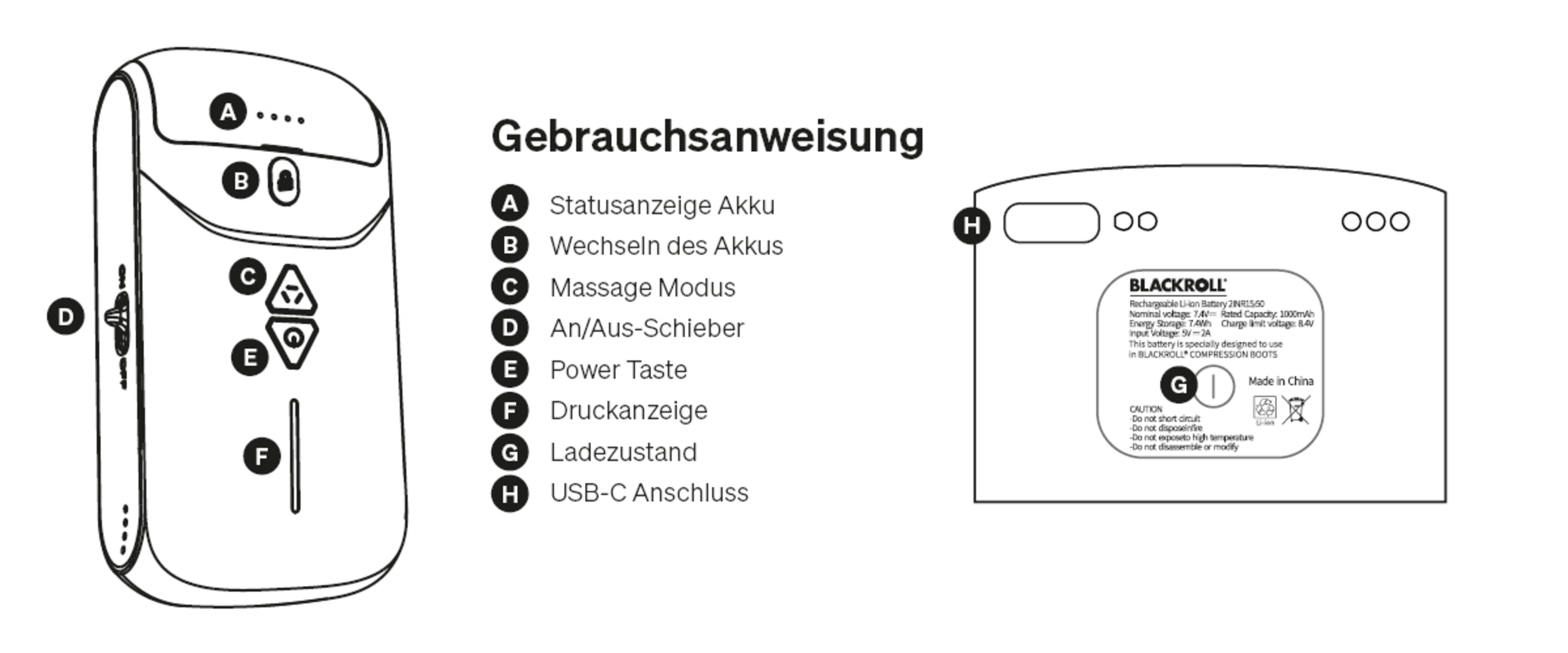
To use your BOOTS correctly, it’s important to know which buttons on the control unit correspond to your BOOTS. Here you’ll find an explanation of the control unit you use to operate your BOOTS.
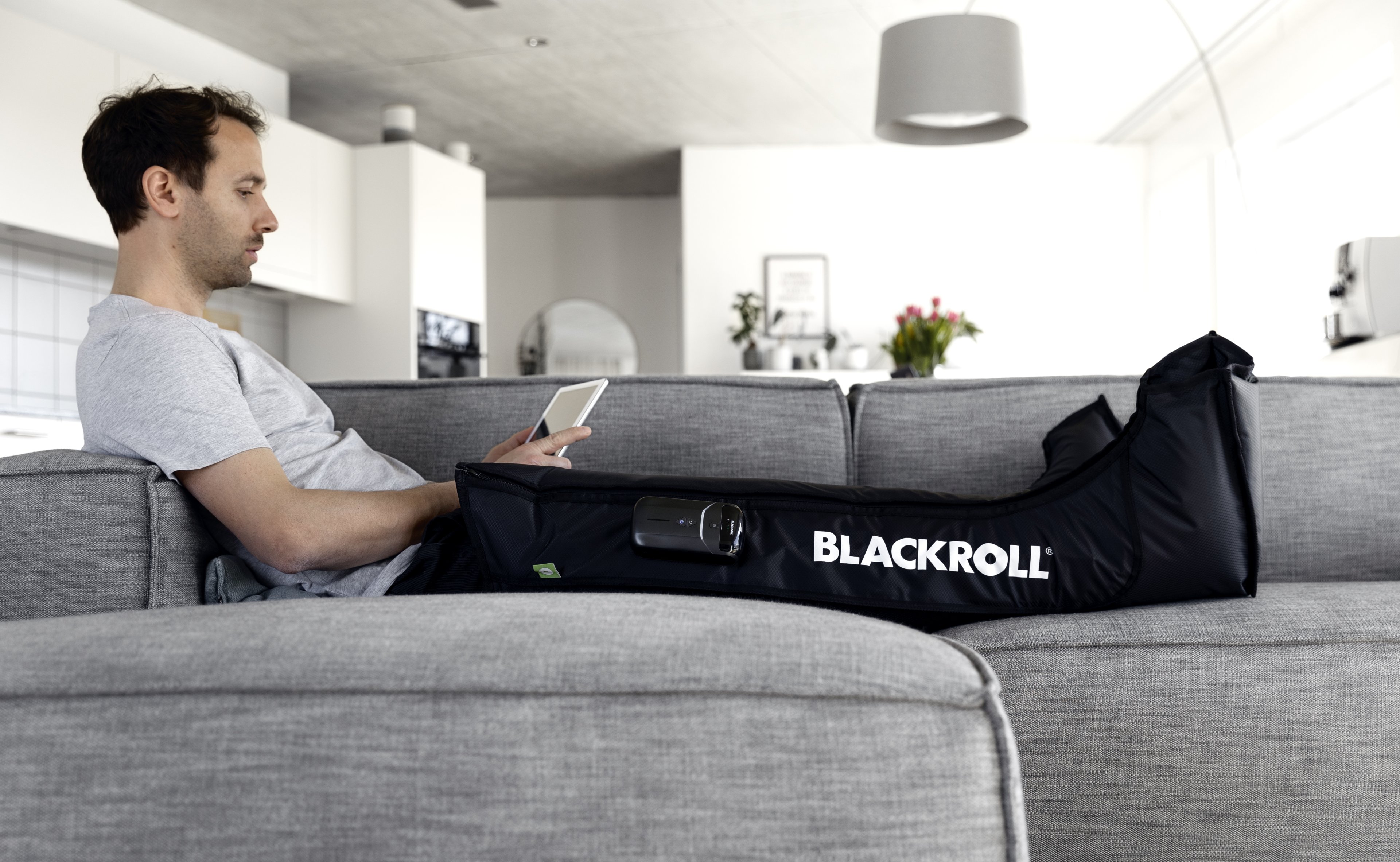
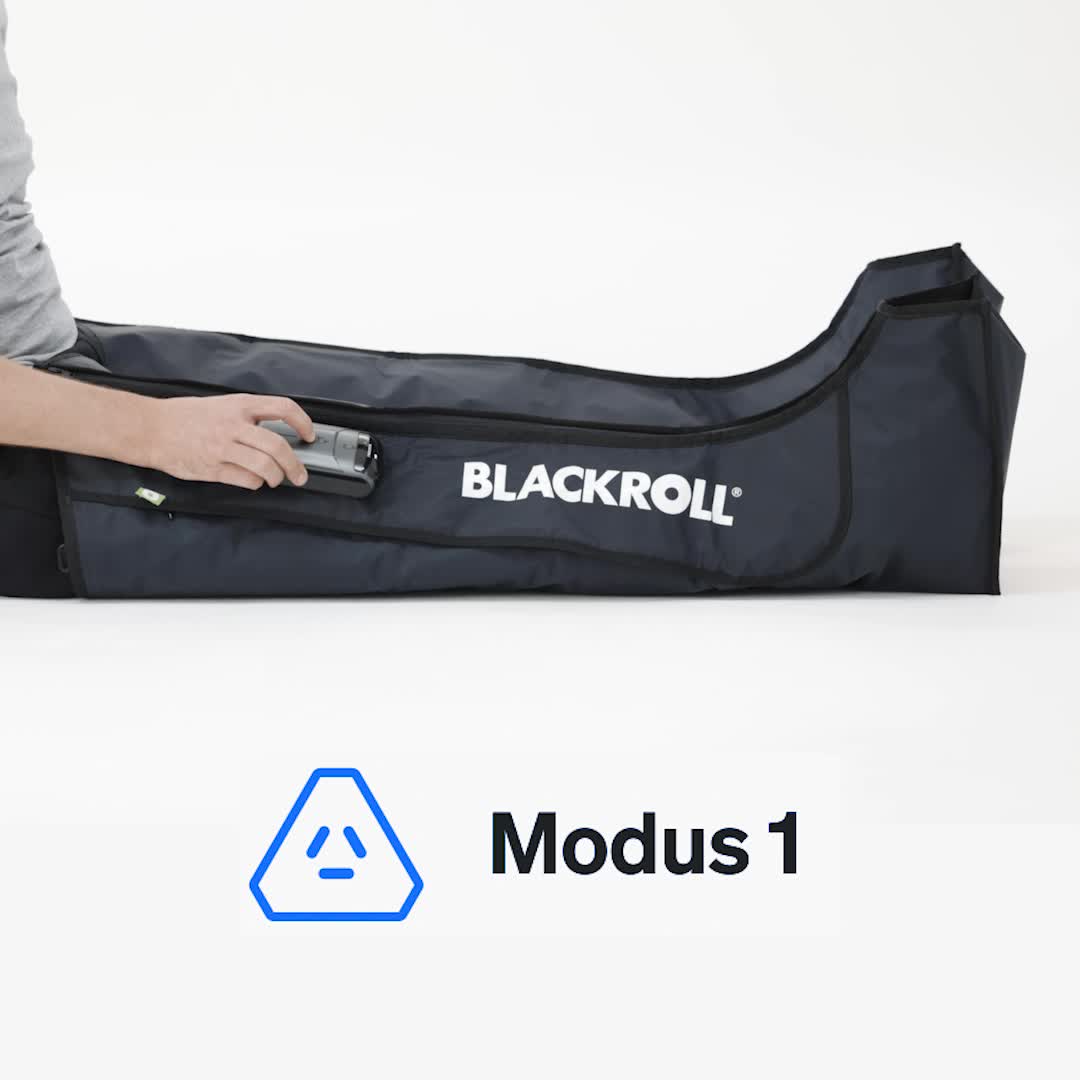
The COMPRESSION BOOTS feature three different massage modes that differ in how the chambers fill with air. Here’s an overview of how each mode works.
The blue program is the standard recovery program. The chambers fill with air one after another, starting from the bottom and working upward. The BOOTS do not deflate until the last chamber is filled.
This program is particularly effective at promoting the removal of accumulated fluid and lactate.
Recommended duration: 30–60 minutes
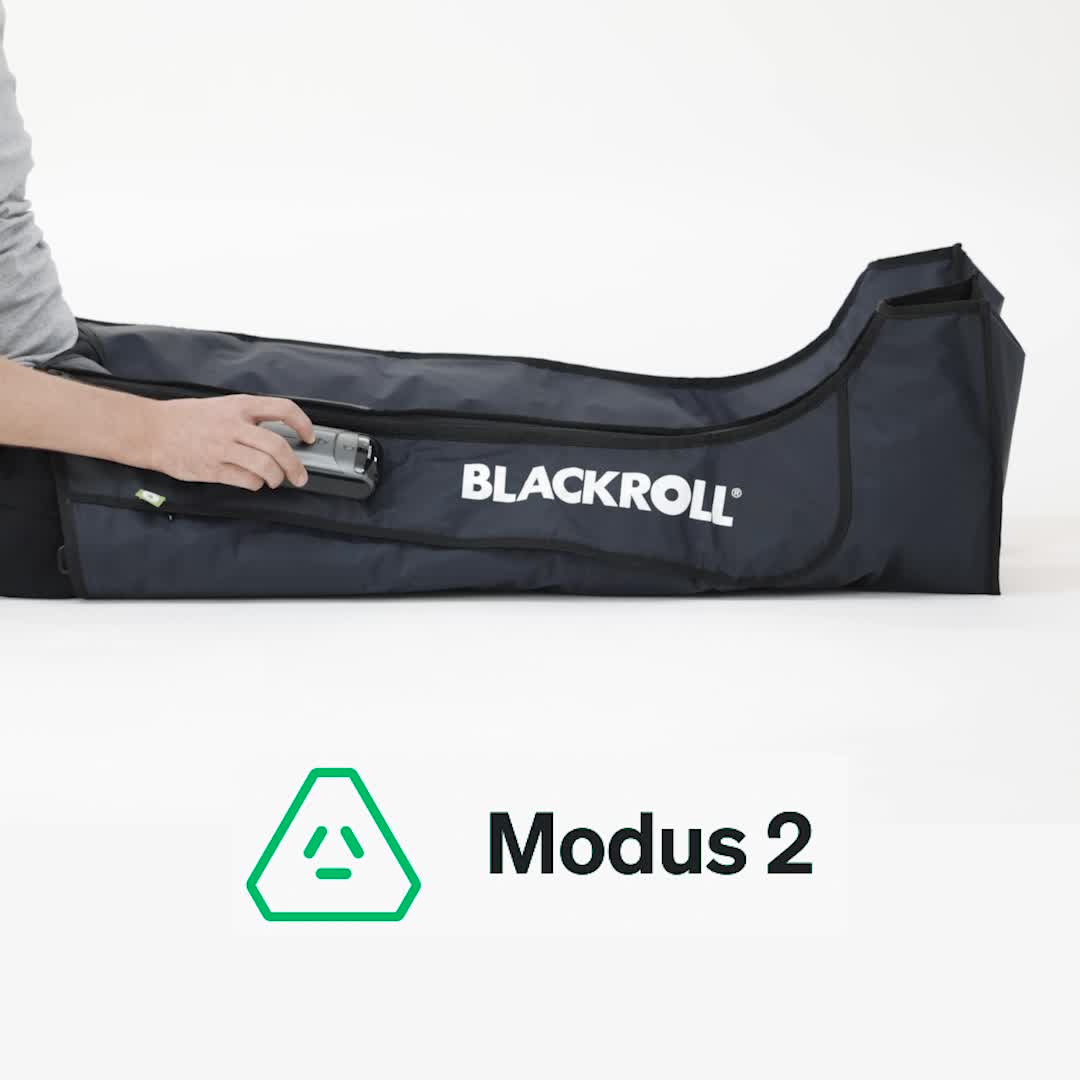
In green mode, the lowest chamber fills 4 times in a pulsating pattern, and then the air is held. The process then continues with the second, third, and fourth chambers. As soon as the fourth chamber is filled, the first chamber deflates and the fifth chamber fills. Afterward, all chambers deflate.
This program is particularly effective for increasing blood circulation. You can use this massage mode both before and after a workout.
Recommended duration: 15–60 minutes
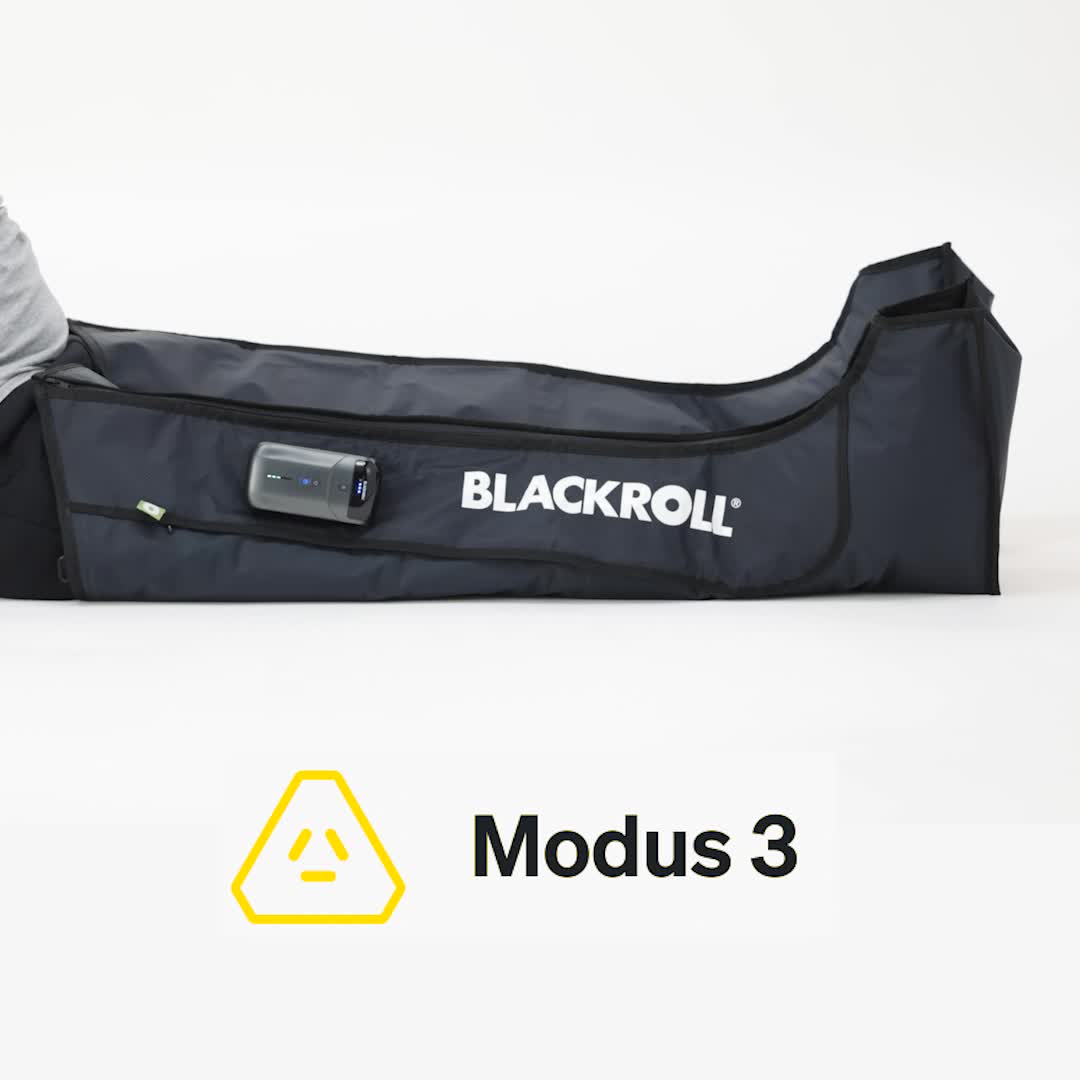
In yellow mode, the first three chambers inflate one after the other. Then the first chamber deflates and the fourth fills. Next, the fifth chamber fills and the third deflates. Finally, all chambers deflate and then refill one after the other.
This program combines the features of the green and blue modes into one, making it a versatile option.
Recommended duration: 30–60 minutes
FAQ
In this case, we recommend switching the master: On the current master device (the one where the power button is flashing slowly), press and hold the power button for 5 seconds. This is the quickest way to unpair the two devices. You’ll hear a beep, and the pressure display will flash briefly once.
Then, first press and hold the power button on the original master for 5 seconds, and repeat the same process on the second device. Once the two devices are paired again, the other device should have taken over as the master. You’ll know this is the case because the power button on that device is now flashing slowly.
- Set the main switch on the side of both devices to “On.”
- Check to see if one of the two power buttons is flashing slowly.
- If so, force the two devices to pair. To do this, press and hold the power buttons on both devices simultaneously for 5 seconds until the second beep sounds.
- If not, and as the next step after Step 3, you must re-establish the pairing. To do this, press and hold the power buttons on both devices simultaneously or one after the other for 5 seconds. The pressure level indicator should now flash up and down. You can tell that the pairing is established when the pressure indicator stops flashing and one of the two power buttons flashes slowly.
In this case, it’s best to change the master device first:
On the current master device (the one where the power button is flashing slowly), press and hold the power button for 5 seconds. This is the quickest way to unpair the two devices. You’ll hear a beep, and the pressure indicator will flash briefly once.
Then, first press and hold the power button on the original master for 5 seconds, and repeat the same process on the second device. Once the two devices are paired again, the other device should have taken over as the master. You’ll know this is the case because the power button on that device is now flashing slowly.