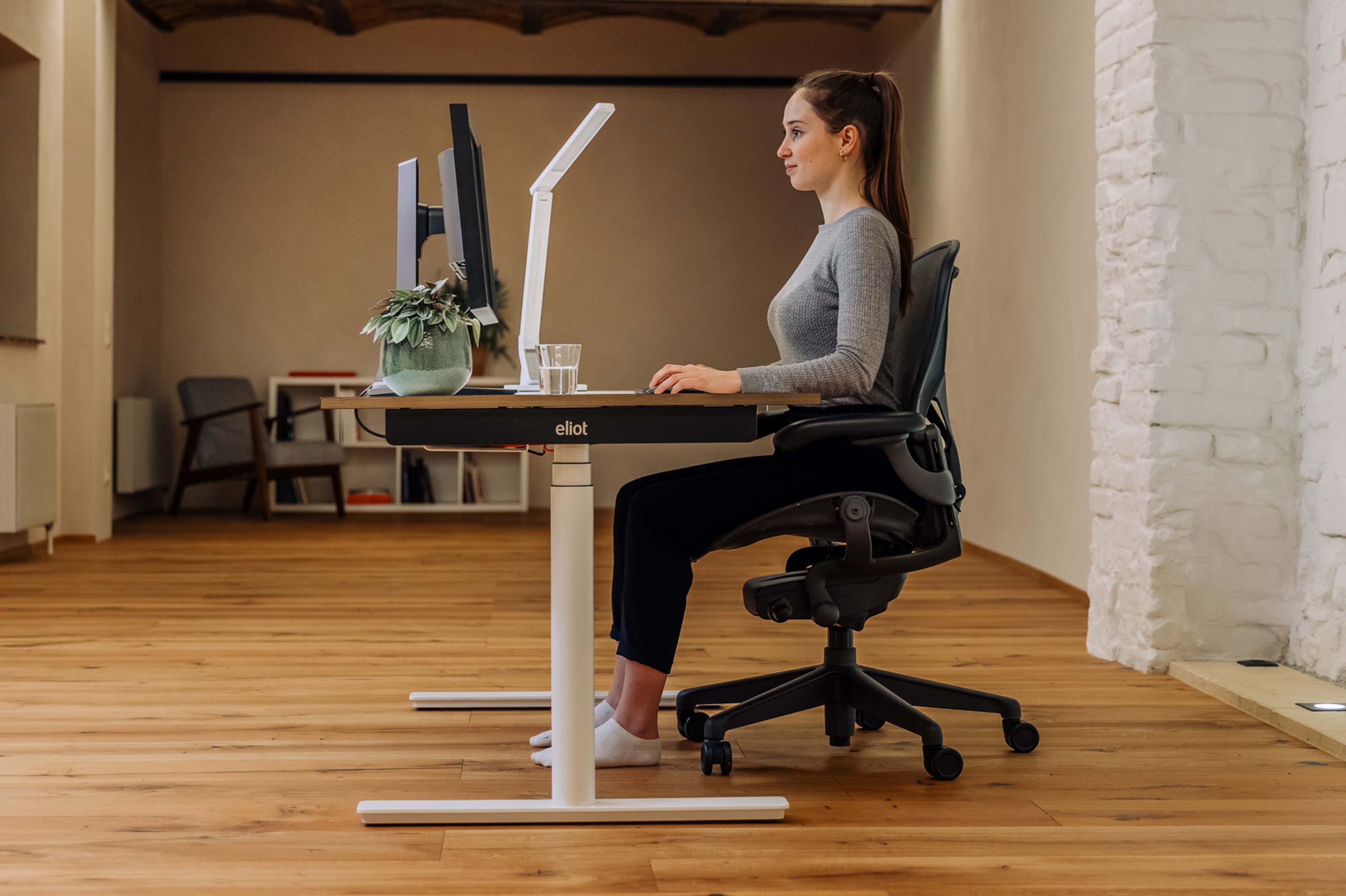
Workplace Ergonomics: What You Should Keep in Mind

What workplace ergonomics means and how to set up your workspace ergonomically.
The importance of a properly set up workspace is often underestimated. By applying workplace ergonomics, you can support your natural movements and thereby minimize strain. It’s important to set up your work environment accordingly and follow certain guidelines.
After all, with balanced movement patterns and an ergonomic workspace, you can minimize poor posture and pain. Read on to find out what other benefits you can look forward to.

Prevent Pain with Simple Habits
Simply sign up for free, and we’ll send you your office guide via email.01. What is ergonomics?
The term “ergonomics” is derived from the ancient Greek words “ergon” (work) and “nomos” (law). Ergonomics is often defined as “the science of human work.” But that still sounds a bit too abstract, doesn’t it? A more understandable explanation is that ergonomics ensures your workplace, your work equipment and systems, and your work environment are adapted to your individual needs. For you, this means greater well-being at work and higher productivity.
02. Your 8 Key Points for an Ergonomic Workplace
- Proper Workplace Lighting & Natural Light
- Optimal Temperature & Humidity
- Low Noise
- Sufficient Space
- Healthy Upper Body and Leg Posture
- Perfect seat height
- Optimal seat width
- Height-adjustable desk
03. Create a comfortable office through ergonomic workspace design—here’s how to design your work environment
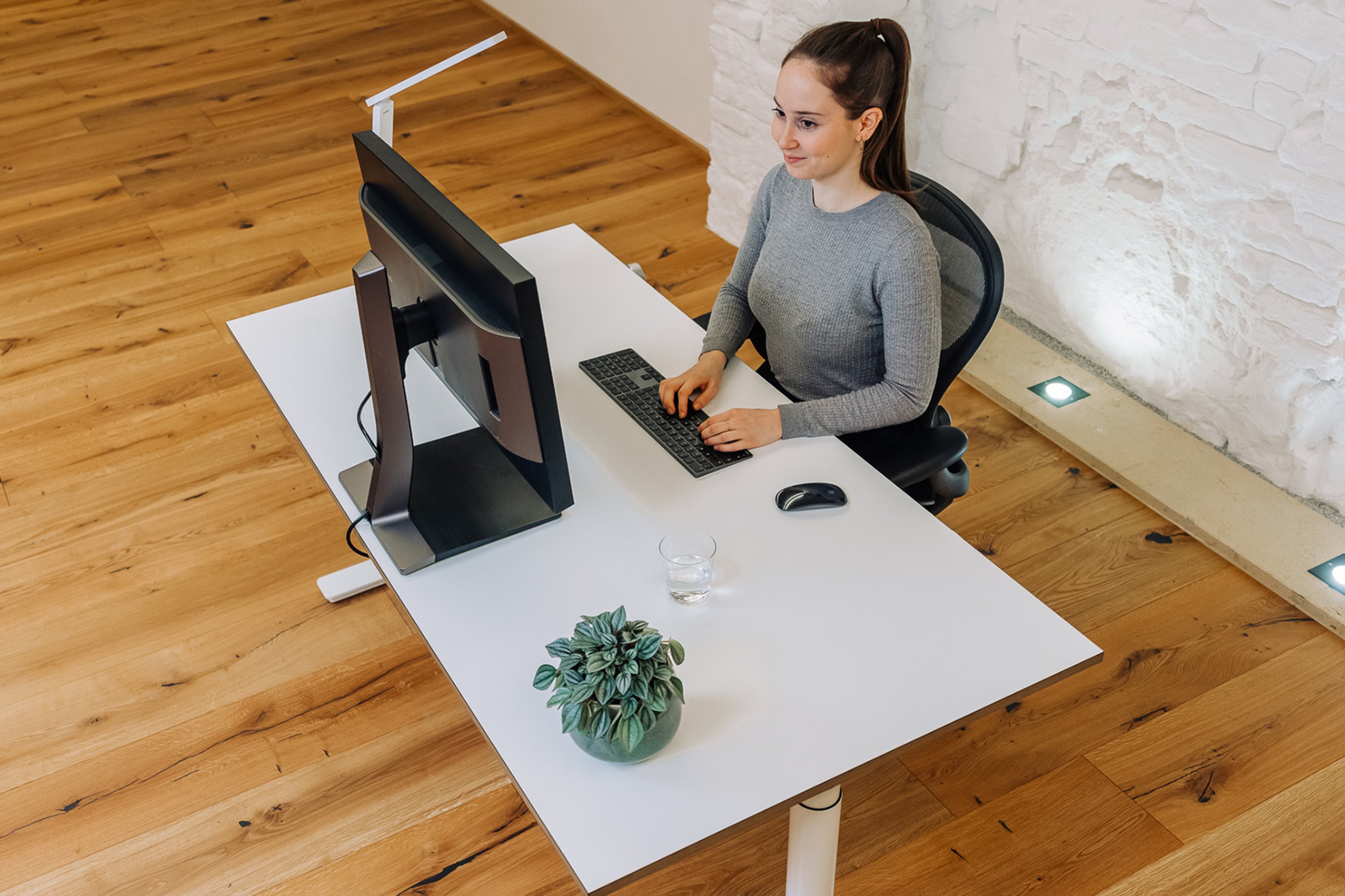
To help you concentrate as well as possible, the room temperature should be between 20 and 22°C. Also, always ensure there’s fresh air and plenty of natural light—ideally, artificial lighting should be avoided as much as possible. To prevent windows and light sources from reflecting on your screen, your desk should be positioned neither directly in front of the window nor with your back to it. Instead, natural light is best when coming from the side, as backlighting can strain your eyes.
To create your own comfortable atmosphere, you should set up your office or home office (if possible) in a way that suits your personal preferences. Plants, for example, are a great choice—they can also help improve indoor air quality—as are rugs, which, by the way, absorb sound and are therefore ideal for noise reduction.
And because back, neck, or shoulder pain are the most common causes of poor posture—habits we’ve developed in the office—you should remind yourself throughout the workday to get up every now and then or adjust your sitting position. However, it’s also crucial for healthy desk and computer work that your office chair, desk, and monitor are perfectly coordinated. And: make sure your monitor isn’t too small. Working daily on a (too-small) laptop screen isn’t good for your posture or your eyes.

The Ergonomic Desk
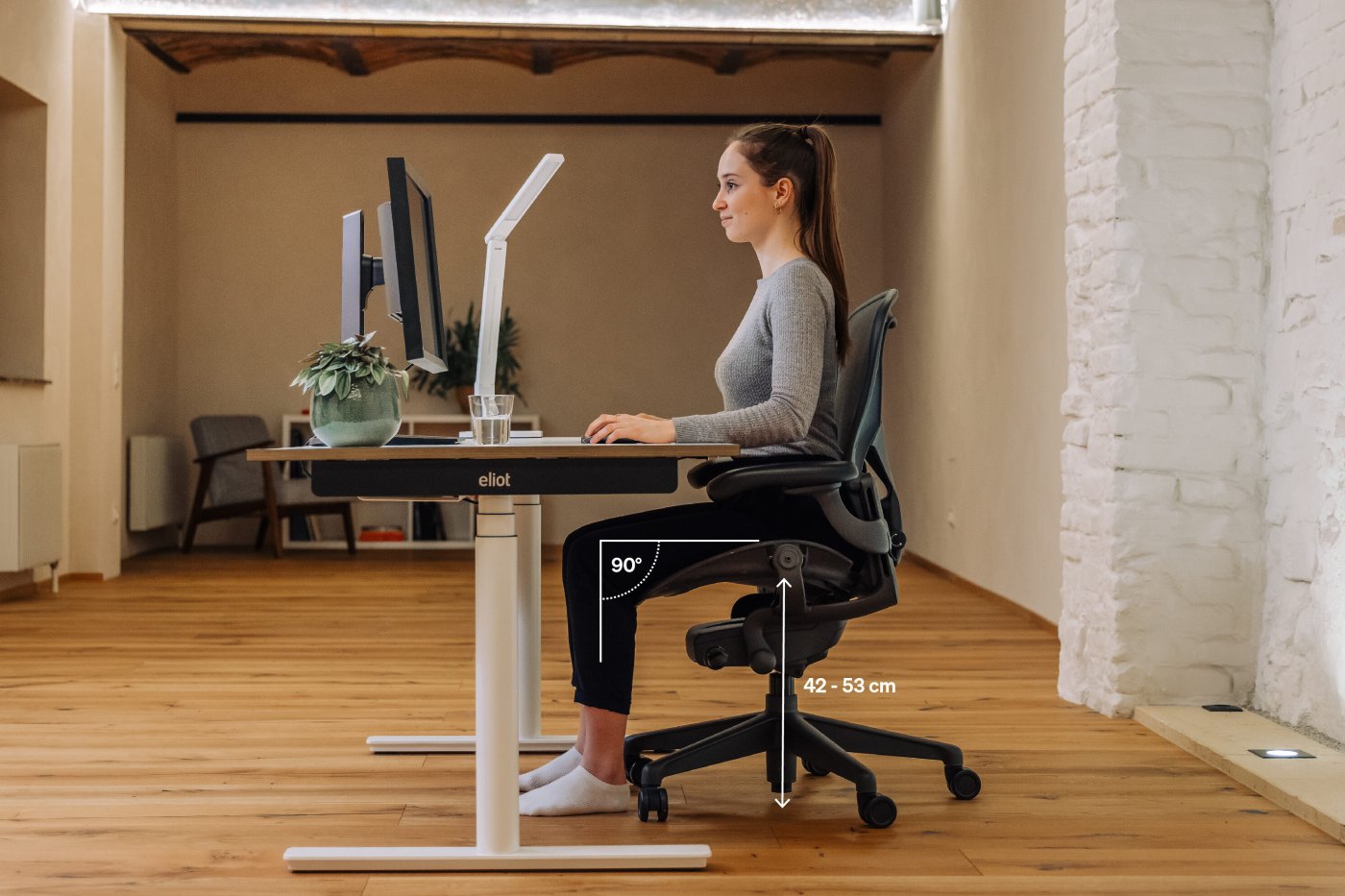
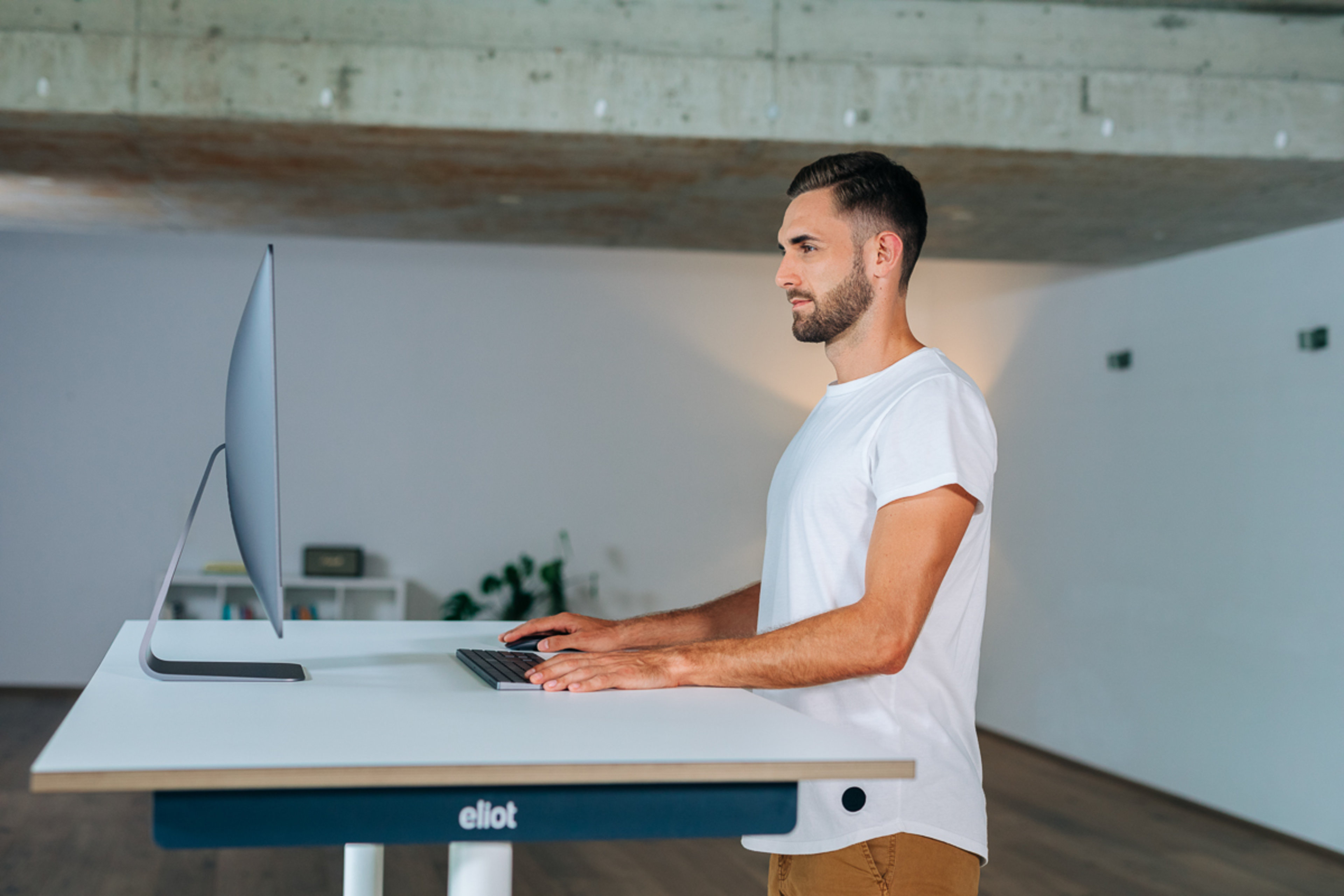
You can only work ergonomically if your desk is set up optimally. Height-adjustable desks are particularly practical, as they allow you to work while standing and can also be adjusted to fit your height perfectly. Your desk should be at least 80 cm deep and 160 cm wide so that you have enough space for your work equipment. The optimal desk height is achieved when your elbows and knees form an approximate 90° angle while sitting and your forearms can rest comfortably on the desk surface—your shoulders should be relaxed whether you’re sitting or standing at a standing desk. The height of your standing workstation is also optimal in this case. To give your legs the necessary freedom of movement under the desk, you should allow for sufficient legroom width (approx. 120 cm) and legroom depth (approx. 80 cm). So it’s best to neatly stow away cables, power strips, trash cans, and other items. When working while standing, the weight should be distributed evenly across the soles of both feet; you should stand fairly close to your desk and maintain an upright posture.
Ergonomic Monitor Setup
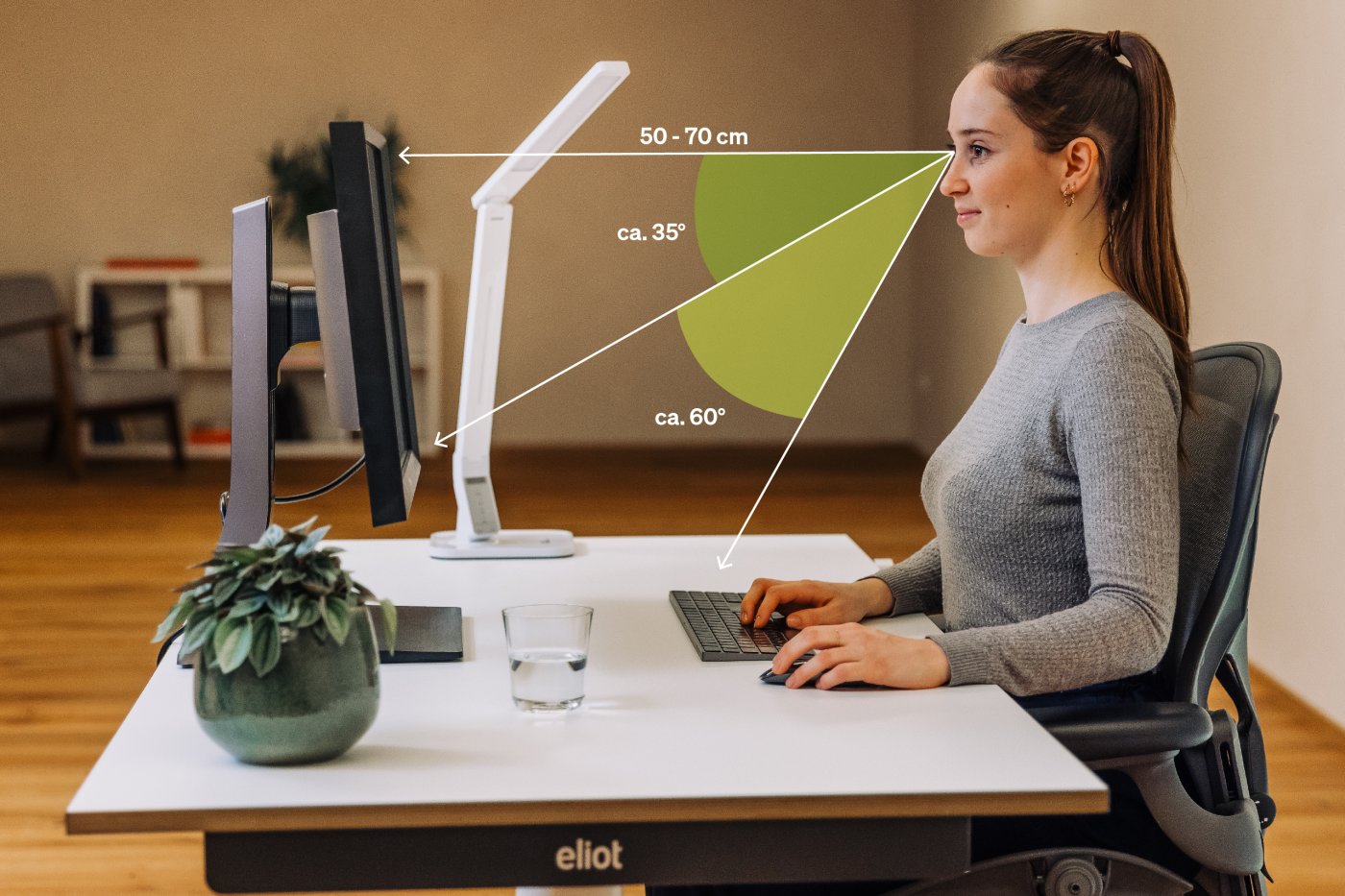
To set up your computer workstation and achieve an ergonomic screen height, the top edge of the monitor should be at eye level. You can also tilt the screen slightly upward, which allows you to see the entire screen more easily and keep your spine straight. In any case, your head should be 50–70 cm away from the screen. This allows you to see the entire screen without having to turn your head to one side. Also, make sure your screen isn’t too small. Working daily on a (too-small) laptop screen isn’t good for your posture or your eyes.

Setting Up the Keyboard and Computer Mouse for Ergonomics at a Computer Workstation
The keyboard and mouse should be positioned directly under your hands. Ideally, your wrists should not be bent but should remain completely straight. As described above, your forearms should rest completely or partially horizontally on the tabletop—use this as a guide to position your keyboard and mouse so that your upper arms can also be held in a stable position.
The Ergonomic Office Chair and Ergonomic Sitting
While we’re sitting, our spine is subjected to about 40 percent more pressure than when we’re standing. That’s why an ergonomic office chair with a supportive backrest and armrests is so important—not only for greater comfort but also for our health. An ergonomic sitting posture is only possible when your thighs and calves form a right angle and the entire sole of your feet rests flat on the floor. Your thighs should be parallel to the seat surface. The seat height depends on your height and ranges from approximately 42–53 cm, while the width ranges from approximately 40–48 cm. To protect your back and relieve pressure on your spine and intervertebral discs, you should also use the entire seat surface of the chair, not just the edge of the seat.
Targeted Exercises for Good Posture
These exercises help you actively work on maintaining good posture.
Products for a Healthy Office


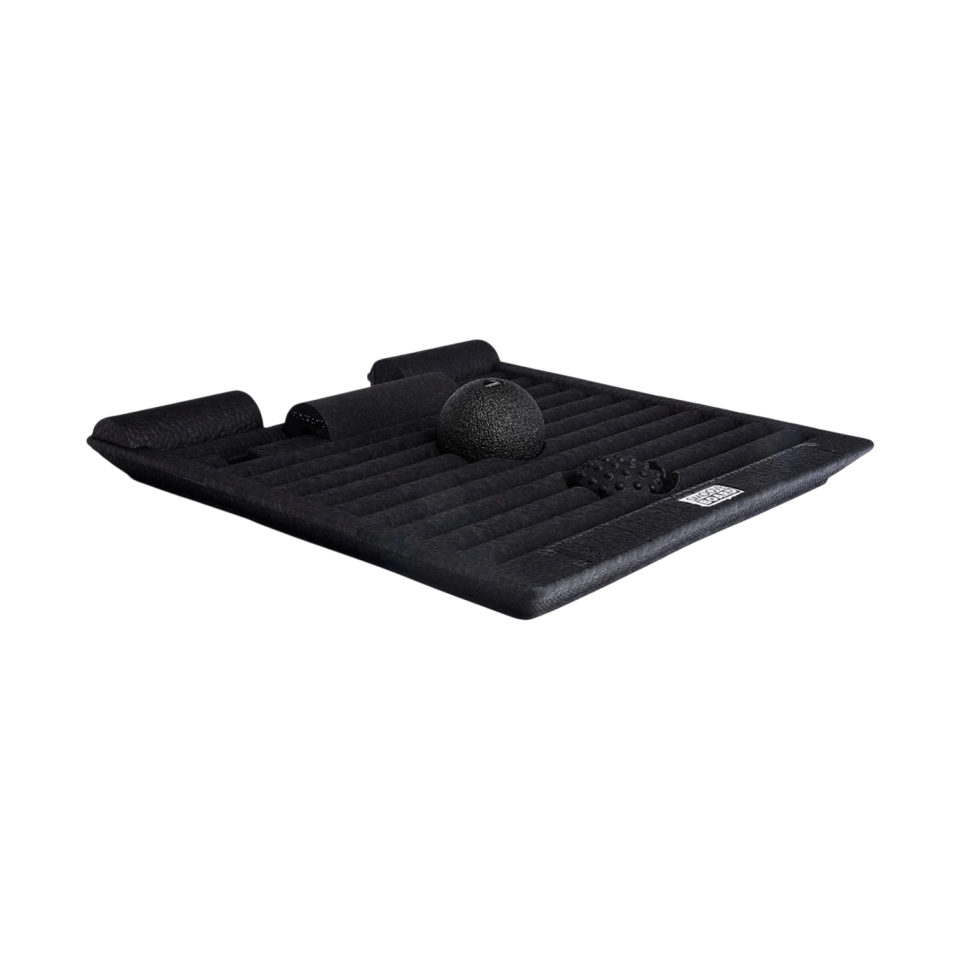
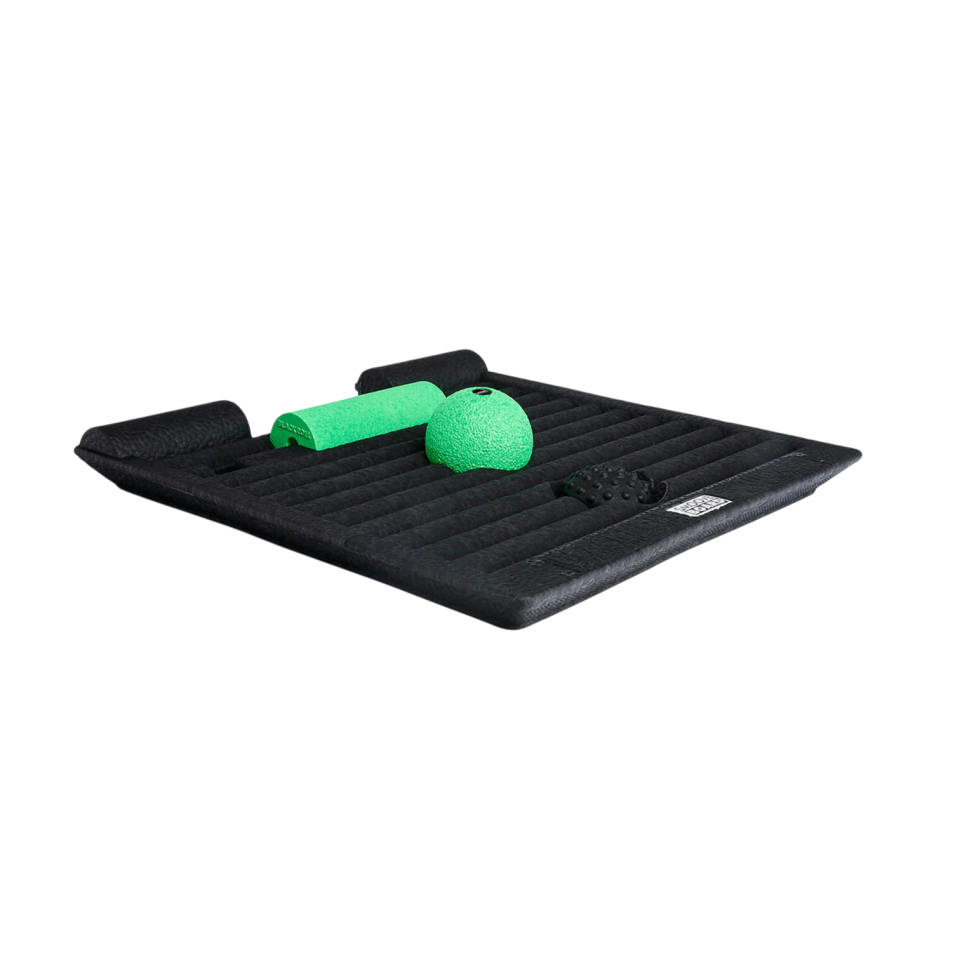
Smoove Board
Available in multiple variants


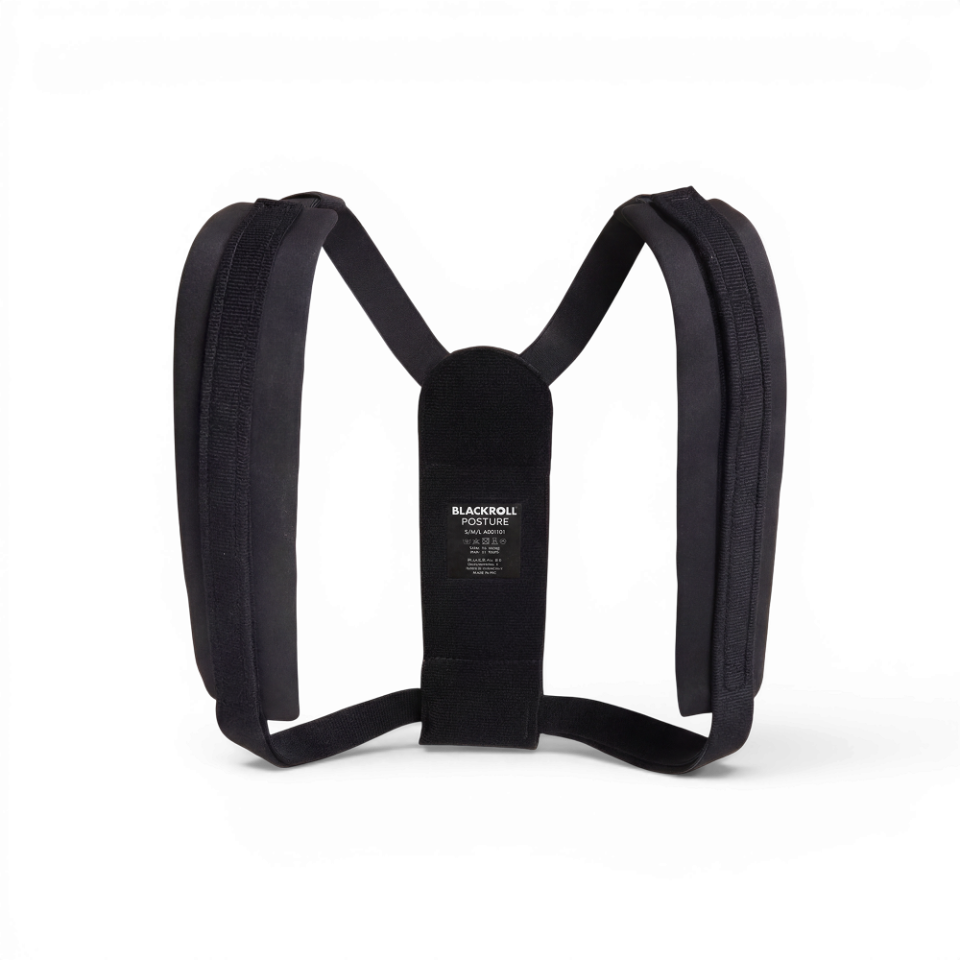
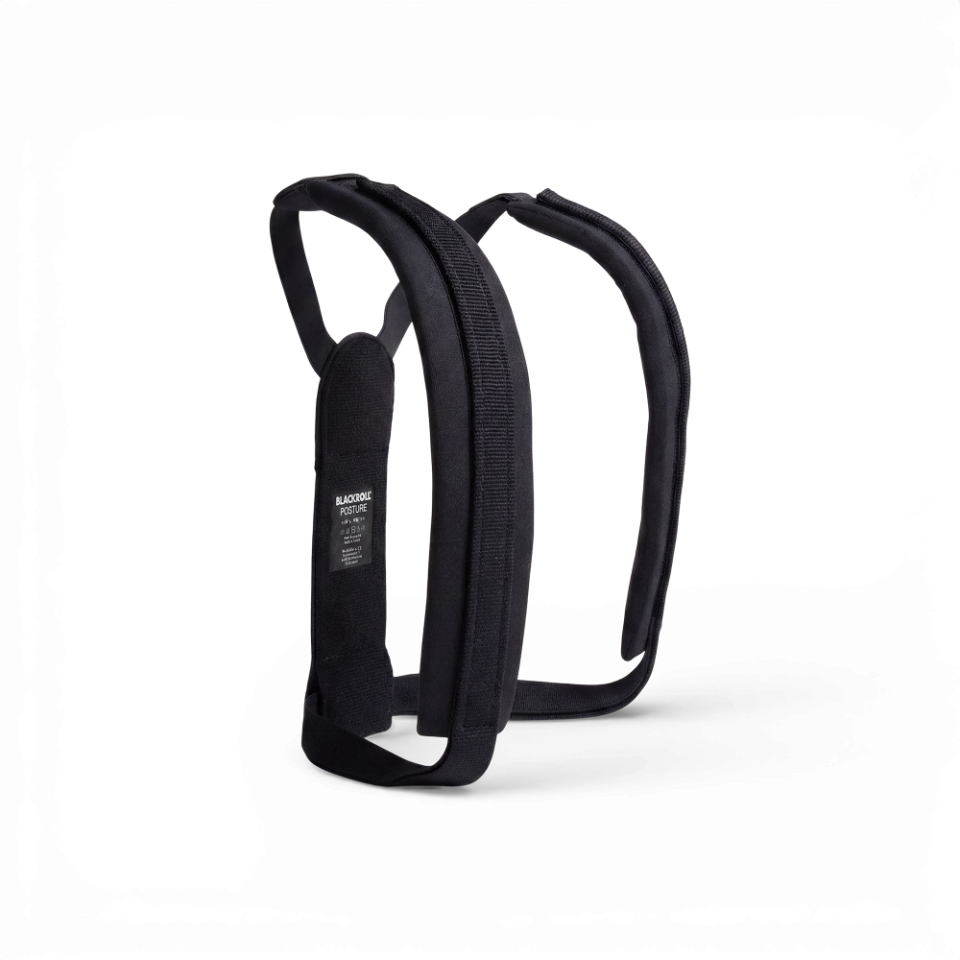
Posture
Available in multiple variants


